
realistic ECU performance validation
Avoid costly surprises in AUTOSAR Classic Platform development.
Up to 85% of software projects suffer from late discoveries caused by performance, latency, and timing-induced functional issues.
chronSUITE provides the early transparency you need to stay on track. Streamline your validation process with a direct path from ARXML to realistic execution.

AUTOSAR Classic Platform Systems
ECU Performance Validation
We would be happy to send you further information or show a demo.
Why Performance Bottlenecks Go Undetected
Modern ECUs are increasingly complex, and timing interactions are harder to predict than ever.
Lacking tools for dynamic analysis, teams are forced to rely on theoretical models and best-guess assumptions to validate performance.
As a result, CPU load spikes and scheduling conflicts surface only after system integration—when fixes are slow, costly, and risky.
Engineering teams need a way to detect these issues early, without waiting for target hardware.
Event Chains for OEMs
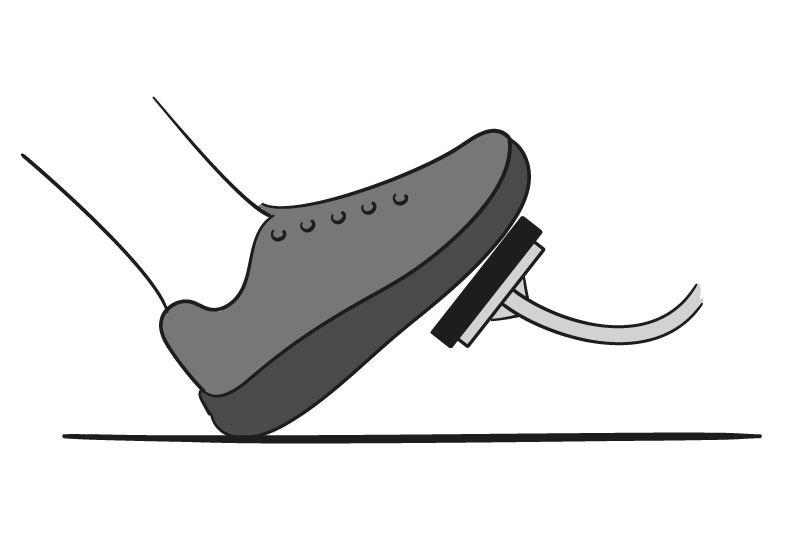
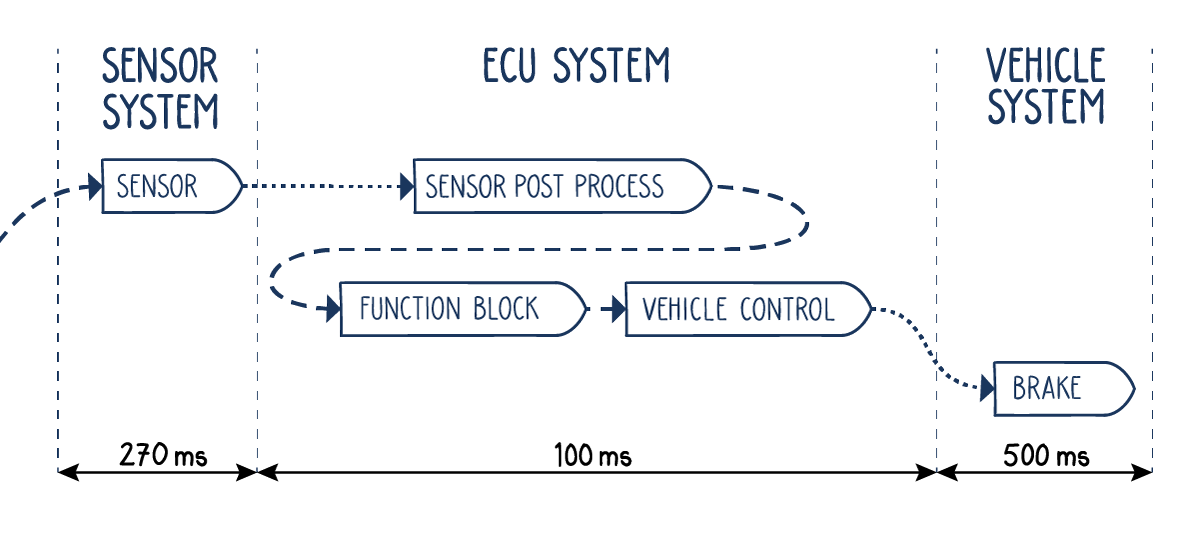
Focusing purely on functionality in requirements documents leaves a lot open to interpretation, especially regarding timing. For example, how much time is there for object detection, decision-making, and brake application in an emergency braking system?
By starting with an end-to-end timing requirement for this chain of events, it becomes clear to all involved what the total available time is for the task. As the project develops, this can be refined, with timing defined for each step in the application’s process.
Event Chains for Tier 1s
Without clarity around the time available to execute functions and tasks, it’s challenging to determine who in a project is responsible for any functional issues that arise.
Demanding timing requirements alongside functional requirements from OEMs makes it easier to determine the cause of software-related issues when communicating with other suppliers working on a project.
USE CASE: ECU Performance Monitoring
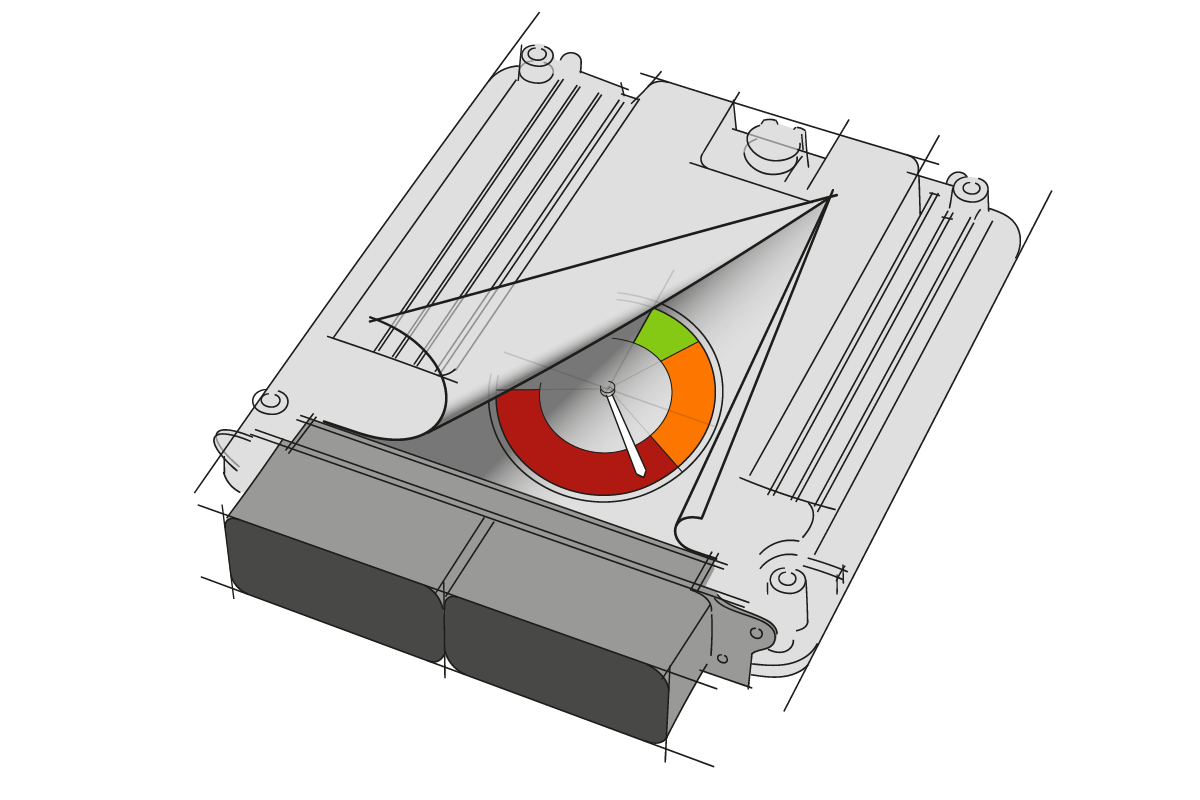
How much more functionality can your automotive ECU support? What impact would moving code from one core to another have? And has your latest code release introduced potential corner-case failures?
INCHRON’s ECU Performance Monitoring service regularly analyzes your ECU’s trace data to ensure that potential performance issues are flagged and can be resolved when they arise.
For more information, take a look here.
Including Timing in Requirements Documents
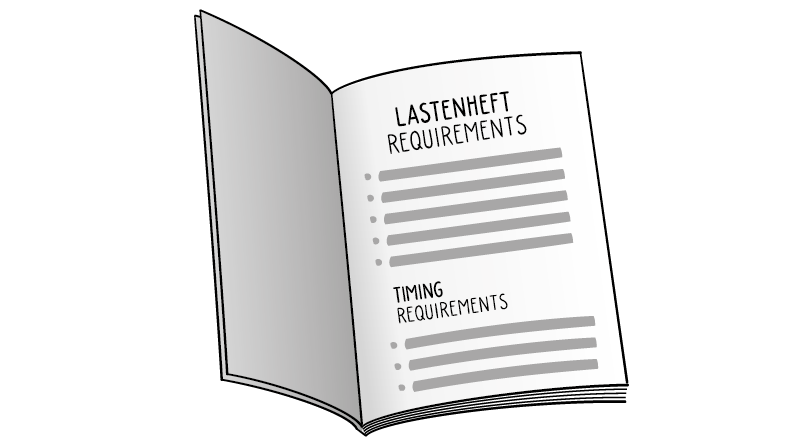
Requirements documents for ECUs focus primarily on functionality but offer little information regarding temporal requirements.
This is proving increasingly problematic as more functions are integrated into a single ECU as the industry moves to zonal architectures.
INCHRON’s Requirements Engineering service heightens awareness for timing and event chains by using common language across shared documentation and processes.
The Solution — chronSUITE
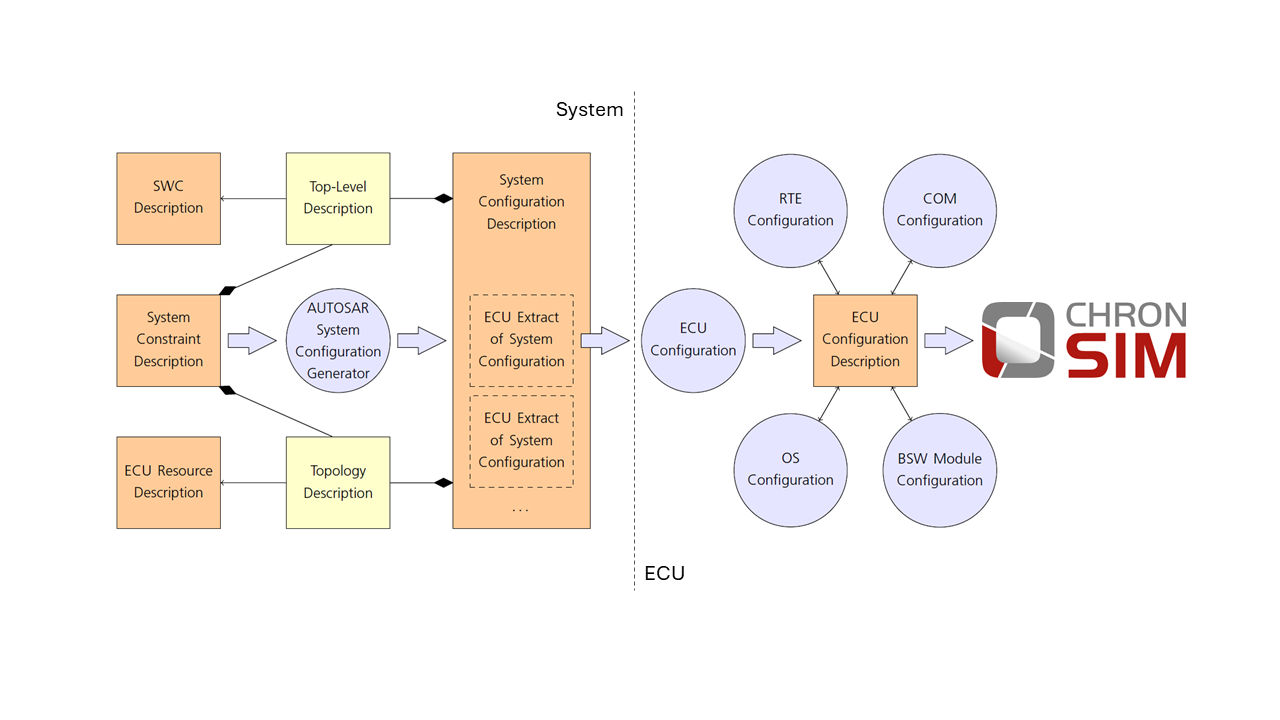
chronSUITE turns your AUTOSAR ARXML into a high-fidelity ECU performance model. By integrating execution traces, the system simulates exact timing, scheduling, and CPU load behavior—enabling you to validate performance before implementation is finalized.
The result: fast, reliable insights that allow for proactive architectural decisions and earlier verification.
Key Capabilities:
-
ARXML Import: Move from architecture description to executable simulation without manual setup.
-
OS and RTE Simulation: Simulate AUTOSAR OS and RTE with high accuracy.
-
Hybrid Modeling: Combine architectural models with real trace data for maximum precision.
-
Visual Timing Analysis: Analyze timing and performance with dedicated deep-dive inspection tools.
- Workflow Automation: Integrate effortlessly into your CI/CD pipelines.
Technical Key Benefits
Validate ECU performance early: no hardware required.
Predict CPU load, timing interactions, and scheduling behavior with high accuracy.
Reduce late-stage debugging by identifying conflicts before integration.
Accelerate design iteration with fast “what-if” experiments.
Proven Value for Project Success
Avoid up to 30% of integration issues caused by hidden timing problems.
Cut software development costs by up to 10%.
Improve project stability, system maturity, and time-to-market.
Increase confidence in architectural decisions and supplier integration.




Who It’s For
Software Architects
Confirm design feasibility before implementation starts. Simulate timing and load scenarios during architecture definition to prevent structural flaws.
Performance & Timing Engineers
Identify critical issues early. Detect deadline violations, high-priority interference, overload conditions, and scheduling bottlenecks long before hardware integration.
How It Works
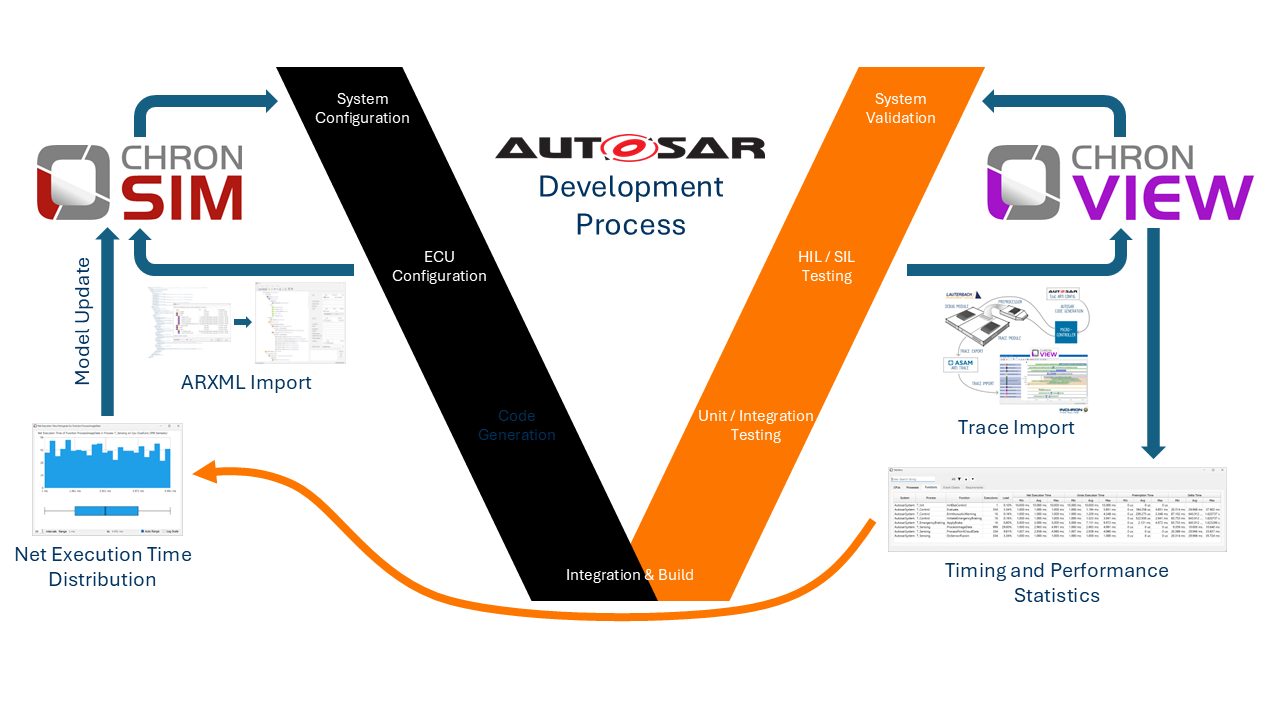
Import AUTOSAR ARXML
chronSUITE reads the standard ARXML output from your authoring tools to automatically generate the simulation model.
Review & Extend
Fine-tune the auto-generated model to fit your specific needs. Add constraints, configure internal behavior, and define timing requirements that go beyond the standard ARXML scope.
Integrate Real Time Traces
Enhance model fidelity by importing actual execution times to substitute static estimates with precise, real-world timing data.
Run High-Fidelity Simulations
Execute chronSIM to predict dynamic system behavior under realistic operating conditions.
Validate & Report
Use chronVIEW to visualize and report the results. Instantly pinpoint timing violations, identify bottlenecks, and uncover opportunities for optimization.
“Later project phases were less stressful because frustrating, timing-related sporadic failures did not occur.”
Christian Winkler, MAN Truck & Bus AG, Senior Manager
Use Cases — Real Engineering Scenarios
- Detect task and runnable scheduling conflicts early.
- Predict CPU load under realistic activation patterns.
- Validate event chains and event-driven behavior.
- Run design variants instantly to compare concepts.
- Verify the feasibility of ECU architectures before hardware exists and/or software is complete.
Technical Capabilities
ARXML Mapping & Interpretation
• Tasks, events, runnables, RTE connections
• AUTOSAR OS scheduling, priorities, activation mechanisms
• Extended and basic tasks, ISR levels
Trace Support
• Import execution times from measurement tools
• Assign per-runnable timing data
• Replay activation and event patterns realistic to your target ECU
chronSIM Simulation Features
• Deterministic, AUTOSAR-accurate behavior
• Interrupt handling and priority-based preemption
• Timing constraints and violation detection
• CPU load, scheduling timelines, and performance metrics
chronVIEW Visualization & Reporting
• chronVIEW scheduling diagrams
• Comparative analysis of design alternatives
• Exportable results for performance documentation
chronSUITE Tool Versions
• Windows and Linux GUI
• Batch/CLI headless and docker
• CI/CD workflow integration
Get in Touch
If you’re looking for an AUTOSAR timing validation for your automotive software or ECU development project, use the form below to get in touch.